
Home inventory, offline first
Know what you own, and where it is.
Where's the furnace manual, and when did you buy the dishwasher? HomeHero keeps that kind of answer in one place. It's free, it keeps your data on your device, and you can start without signing up for anything.
- No account needed
- No item limit
- Your data stays on your device
- English, French, Spanish, Polish
The freezer stops working. Now what?
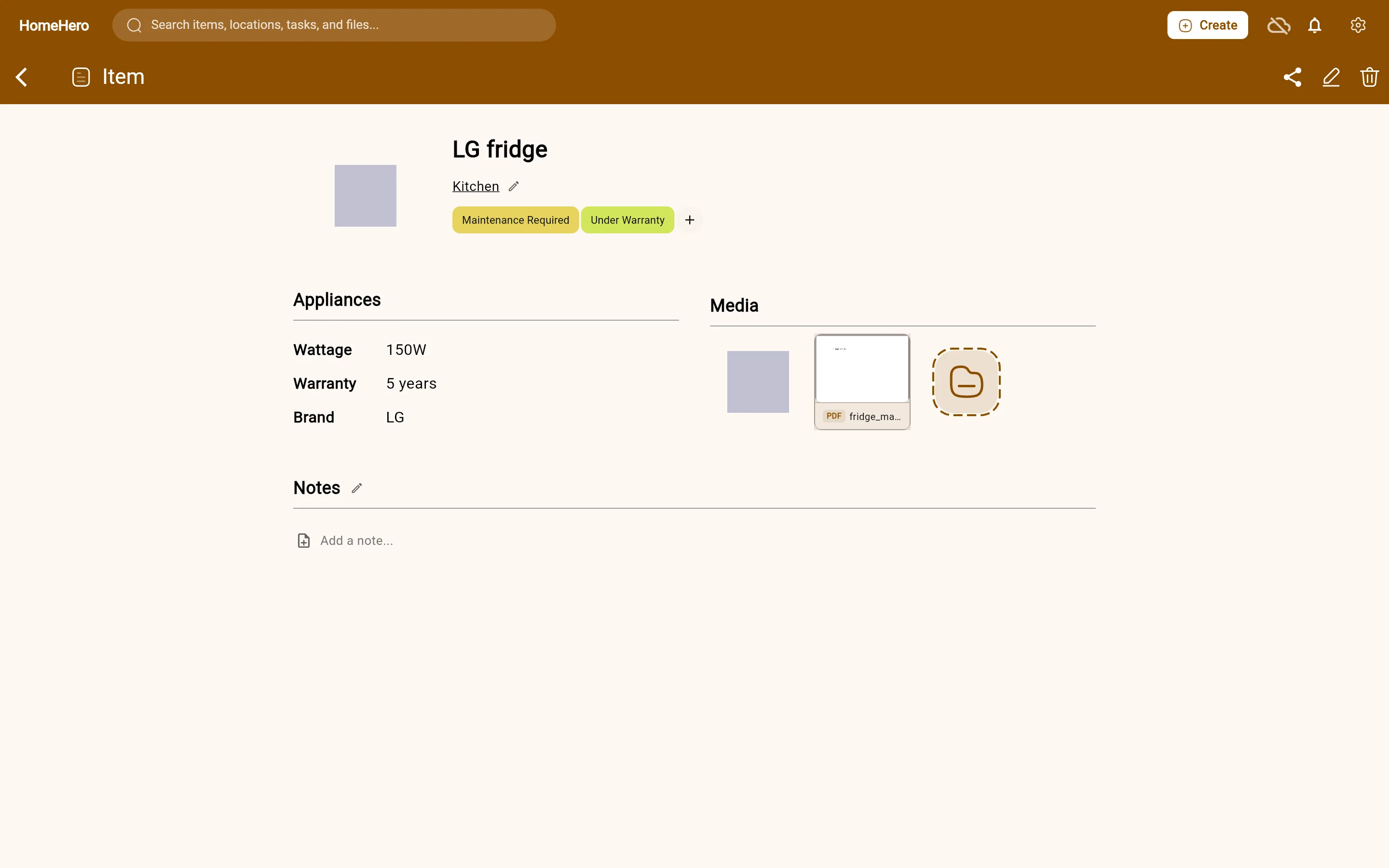
You open its item in HomeHero. The model number is there, the manual is attached, and so is the receipt from 2021. You add a task to call the repair shop, and it stays linked to the freezer until it's done. That's what HomeHero is for, really: the place you look when something in the house needs attention.
Works without the cloud
Your inventory lives in a database on your device. The Android and Linux apps open and work with no connection, so the basement or the cabin isn't a problem.
Start without an account
Open the app and add something. You don't need an email address or a password, and there's no trial running out. Make an account later if you want sync or AI.
Free has no item limit
Add as many items, locations, tasks, photos and files as you want on each device. Paid plans add sync, sharing and AI.
Browse
Your home, laid out room by room
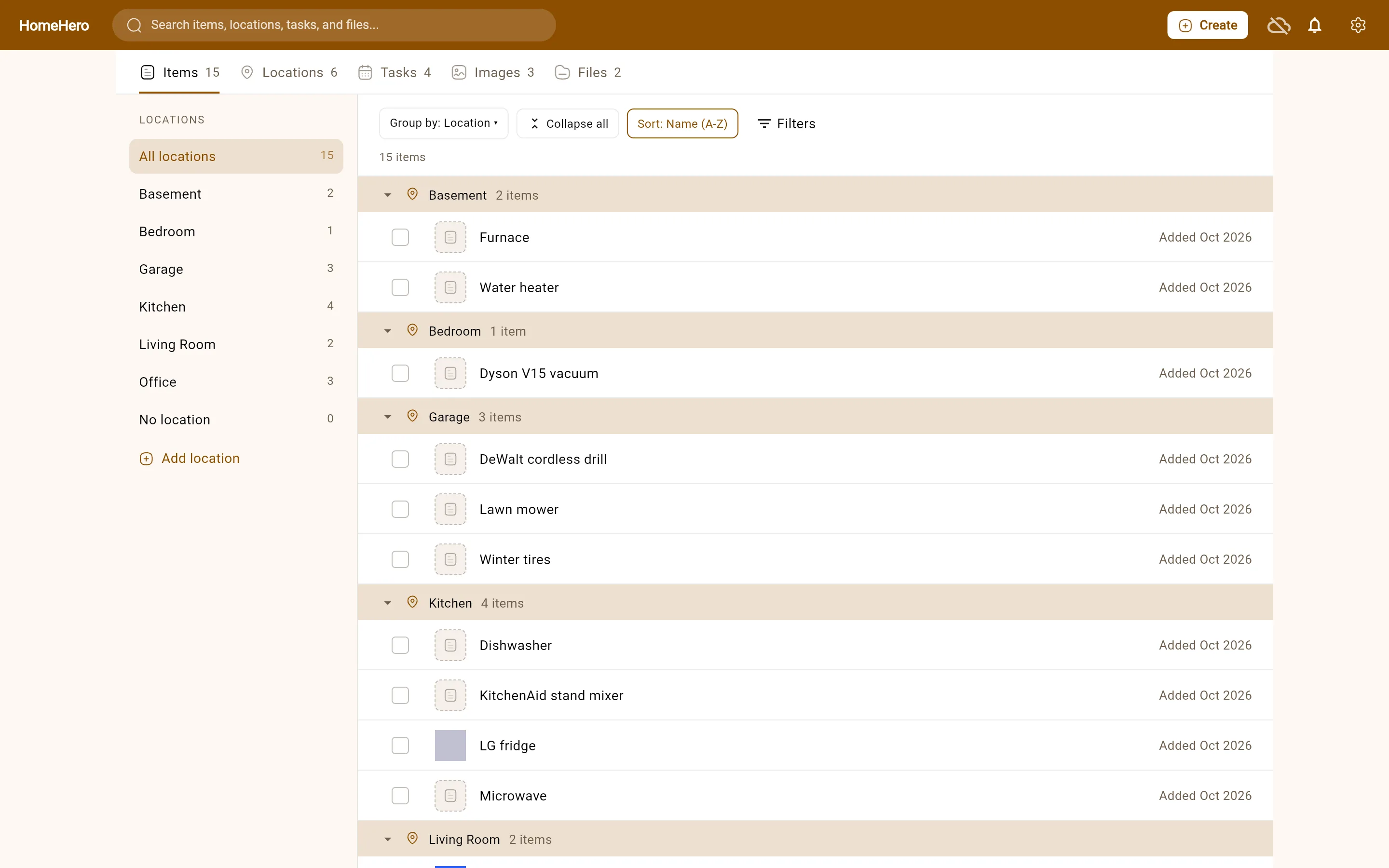
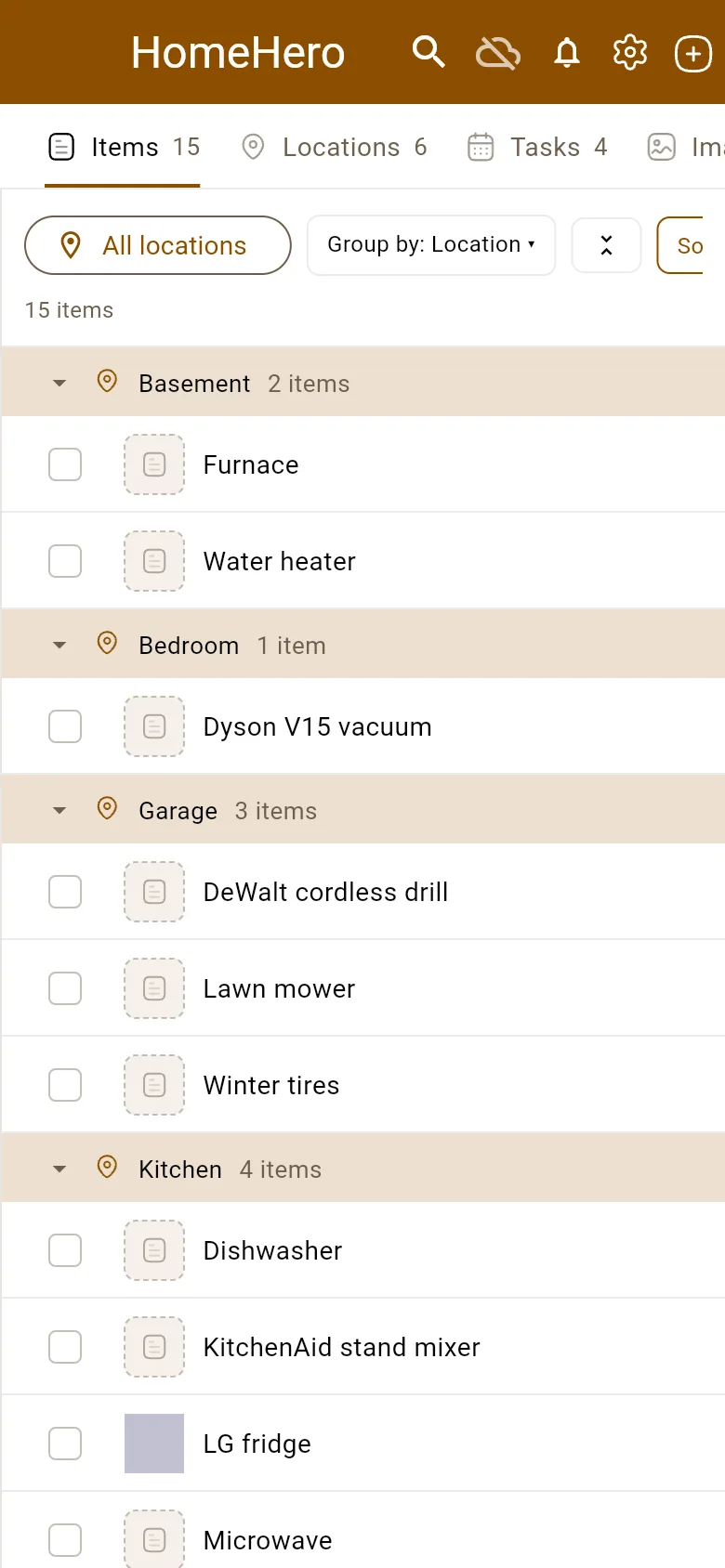
Items, locations, tasks, images and files each have a tab. On a big screen your locations sit in a rail on the left. Click the garage and you see what's in the garage, including the shelf and the bins inside it.
- Group items by location, fold away the rooms you don't need, and sort by name, newest or recently used.
- Tick a few items and move them in one go, or drag a row onto another room.
- Find the stragglers: items with no location, or items with a task on them.
Items
The details you'll want later, on the thing they belong to
An item can have a location, tags, notes, photos, files and a link to its product page. Item types let you add your own fields, such as model number, warranty or purchase date, so every appliance gets recorded the same way.
- Attach manuals, warranties and receipts. PDFs and text files show a preview.
- Nest locations as deep as you like: House, then Kitchen, then Pantry.
- Search by name, or pull up everything tagged
#warranty.
Tasks
Remember the furnace filter before it's six months late
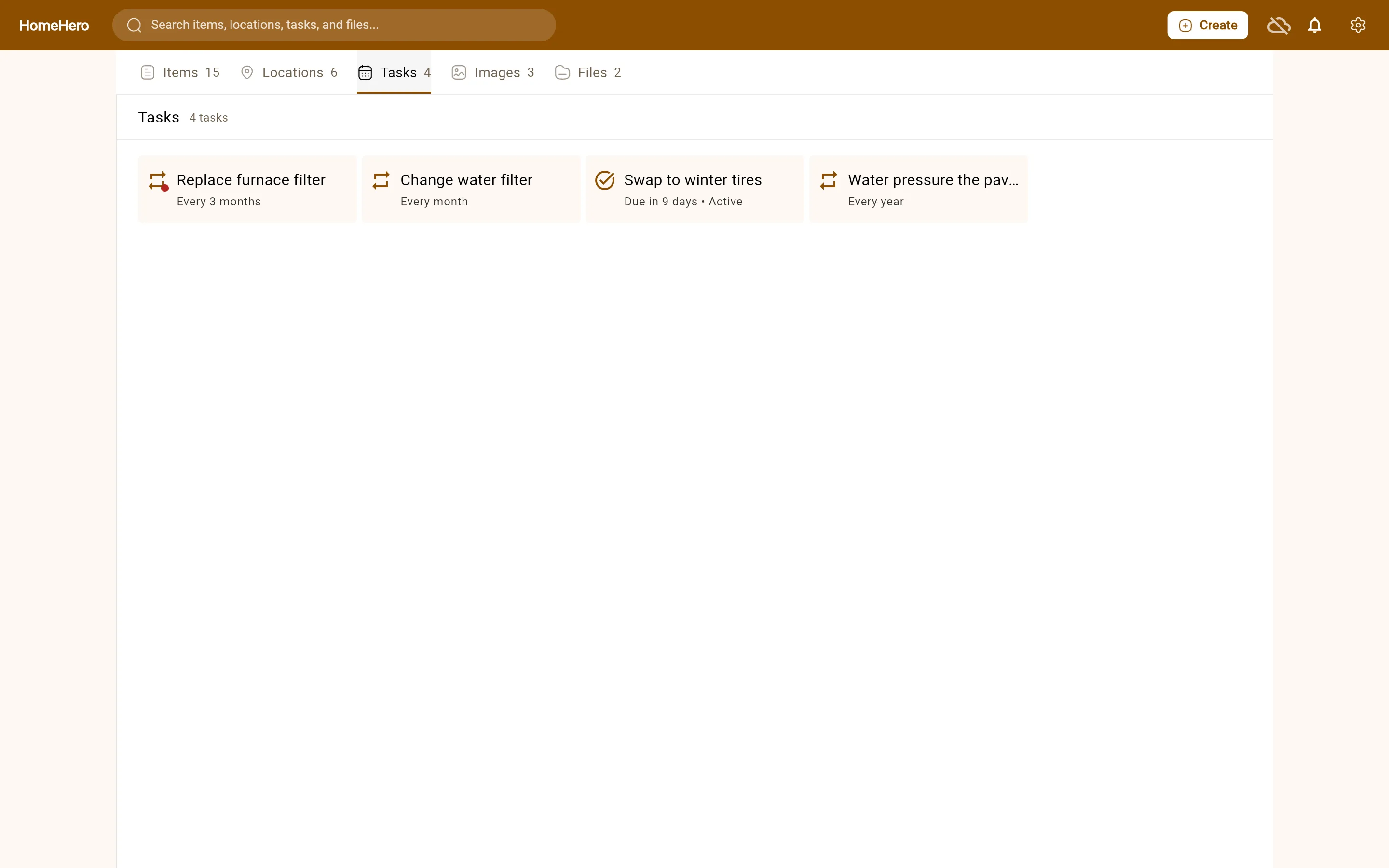
Add a one-time task with a due date, or a recurring one like "every 3 months", and link it to the items and rooms it's about. The bell in the app shows what's due or overdue. With Sync you also get an email the day before.
Premium
Type less
Typing in a whole house is the part where most inventories die. Premium drafts items for you, and you check each one before it's saved.
Several items from one photo
Take a picture of a shelf or a desk. HomeHero picks out the separate things in it (usually up to five), crops a thumbnail for each and drafts a name and details. A hint like "camping gear" helps it along.
An item from a product link
Paste the shop or manufacturer page for something you bought. HomeHero drafts the item from what the page says (name, brand, model, specs and a picture) and keeps the link. Some shops block this, and then you add it by hand.
Fill in from a photo
Already added an item with a photo? One tap suggests tags and fills in the empty details, your own fields included.
AI gets things wrong sometimes, so check model numbers before you save. It leaves prices, serial numbers and purchase dates for you to enter, and it needs an internet connection. How it works →
Free to use. Pay for sync or AI if you want them.
There's no trial and no item limit. The paid plans cover the parts that run on our servers.
Free
$0 forever
The whole inventory app. Each device keeps its own copy.
- As many items, locations and tasks as you like
- Photos, manuals, warranties and any other file
- Item types with your own fields
- Tags, search and a reminder bell
- A JSON export of your item details
- No account
Sync
$2 /month
The same inventory on your phone, laptop and browser.
- Everything in Free
- One inventory on web, Android and Linux
- A copy of items, photos and files on our servers
- Task reminders by email
- Sharing items and locations by link or email
Premium
$5 /month
Sync, plus AI that drafts items so you type less.
- Everything in Sync
- Several items drafted from one photo
- An item filled in from its own photo
- An item drafted from a product page link
To subscribe, sign in to the app, verify your email, and open Settings → Account → Subscription. Stripe handles the payment. You can cancel whenever you like and keep the paid features until the period you paid for ends.
Privacy
A home inventory is a list of what's worth stealing. We treat it that way.
Without an account, your items, photos and files stay on your device. Nothing from your inventory is sent to us.
With Sync, we store your inventory on our servers so your devices can share it, and it travels over HTTPS.
With AI, the photo or page you send is processed on our servers and by our AI provider to draft the item. It isn't used to train models.
We don't show ads and we don't sell data. Read the privacy policy.
Start with one appliance
It's free and you don't need an account. Pick the thing whose manual you'd hate to hunt for, and add it first.