
Features
Keep items, documents and maintenance together
What HomeHero does today, which plan it's in, and what it can't do yet.
In every plan, including Free
Items
Each item has a name and can have a location, a type, tags, notes, photos, files and a product link. Add as many as you like.
Nested locations
Set it up the way your home is: house, floor, room, shelf, bin. A location can have its own photo, notes and tags.
Item types
Give a type its own fields, like Model number, Warranty or Purchase date, and every item of that type gets them.
Tasks
One-time tasks get a due date. Recurring ones repeat on a schedule like "every 3 months". Each has a priority and can point at the items and rooms it's about.
Reminder bell
The bell lists overdue tasks, tasks due in the next day, and recurring tasks that have come due.
Photos and files
Attach any kind of file. PDFs show their first page and text files their first lines. On mobile and web you can crop a photo after picking it.
Tags
Label things across rooms: "Valuable", "Under warranty", "Box 7".
Search
The search box in Browse filters the current tab by name as you type. The Search screen finds items and locations by name and by #tag. Neither one reads notes or custom fields.
Export
Download your locations, items, item types and tags as a JSON file, with or without an account. It's a record of item details rather than a backup: photos, files and tasks aren't in it, and it can't be imported back.
Four languages
English, French, Spanish and Polish. HomeHero follows your system language until you pick one.
Offline first
Your data is stored on your device. The Android and Linux apps work fully offline. The web app needs a connection to load, and then keeps your data in the browser.
Property profile
Note your home's type, size, number of rooms and the year it was built, next to its inventory.
On a big screen
Made for laptops, and for houses with a lot of stuff
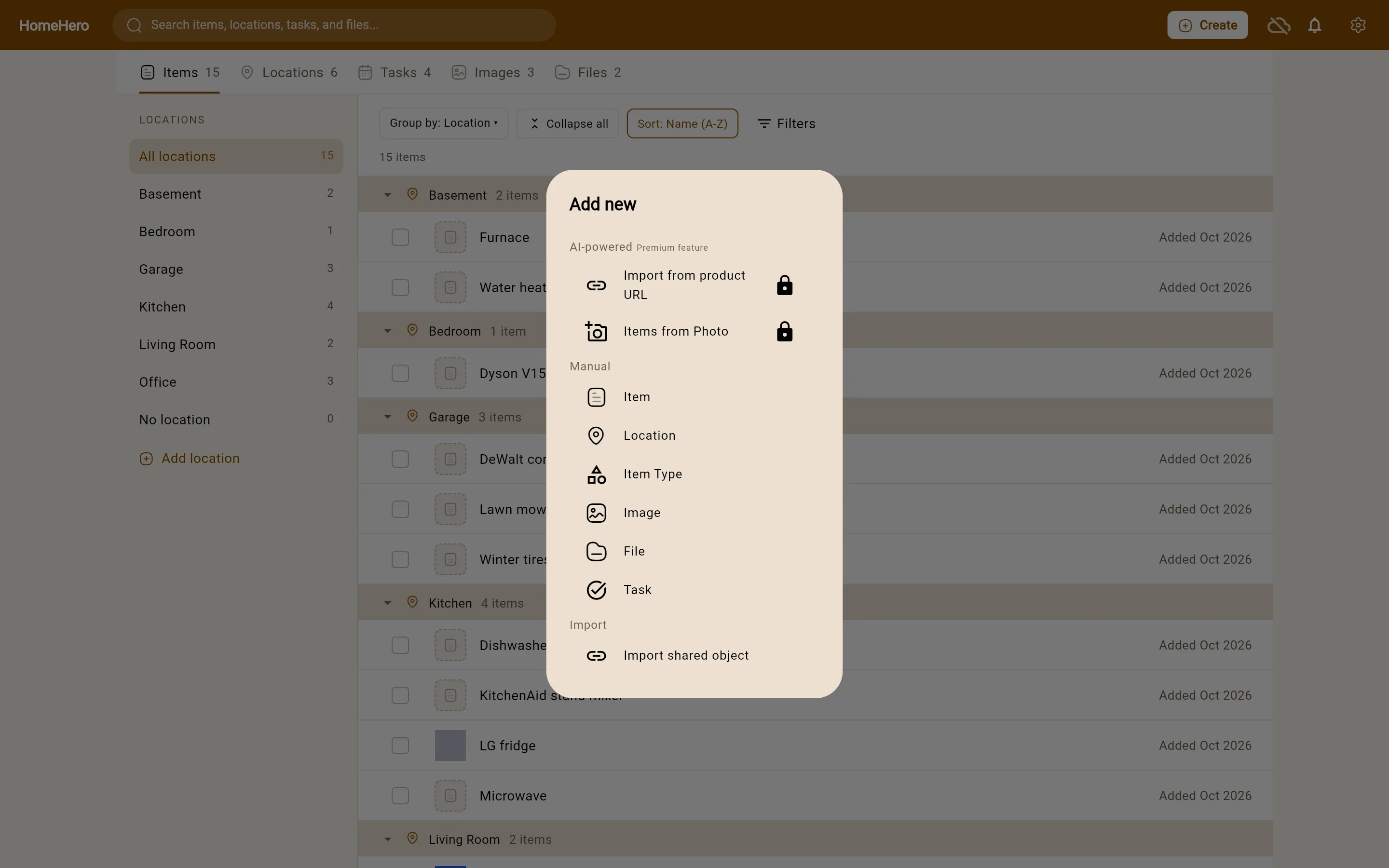
On a wider window HomeHero shows your locations in a rail, a tab for each kind of thing, and a list grouped by room. Long lists load in pages, and very large groups start folded, so a full garage doesn't bury everything else.
- Group by location, or don't group at all.
- Sort by name, newest or recently used. HomeHero remembers your choice.
- Pick several items and move them together, or drag rows onto a location.
- Filter to items with no location, or items that have a task.
With Sync
One inventory, every device
Sign in on the web app, Android and Linux and they all show the same inventory. Changes save on the device first and sync in the background. Files up to 50 MB each come along.
Conflicts you can see
Edit the same field on two devices before they sync, and HomeHero shows you both values side by side so you can pick one.
Email reminders
You get an email the day before a task is due, and another if it goes overdue.
Sharing
Share an item or a location with a public link or with one email address. The other person sees a read-only page and can import a copy into their own account.
With Premium
Several items from one photo
Photograph a shelf and HomeHero drafts the things on it, usually up to five, each with its own crop, name and details. If one comes out wrong, give it a hint and rerun it (once per item).
An item from a product link
Paste a product page and HomeHero drafts the item from what the page lists: name, brand, model, specs and a picture, matched to your item type's fields. Some shops block it.
Fill in from a photo
HomeHero looks at an item's photo, suggests tags and fills in the empty details, including your own fields.
AI features need an internet connection, and they get things wrong sometimes. Nothing is saved until you've looked it over. More about AI features →
What it can't do yet
Better you hear it here than find out a month in.
- There's no iOS app yet. The web app works in Safari on iPhone and iPad until there is.
- Two separate accounts can't edit one inventory together. Sharing is read-only. If your household wants one inventory, sign in to the same account on each device.
- There are no push notifications. Reminders show in the app, and by email with Sync.
- You can't scan barcodes or import a spreadsheet.
- There's no full backup file. The JSON export leaves out photos, files and tasks, and you can't import it back.
Start with one appliance
It's free and you don't need an account. Pick the thing whose manual you'd hate to hunt for, and add it first.